
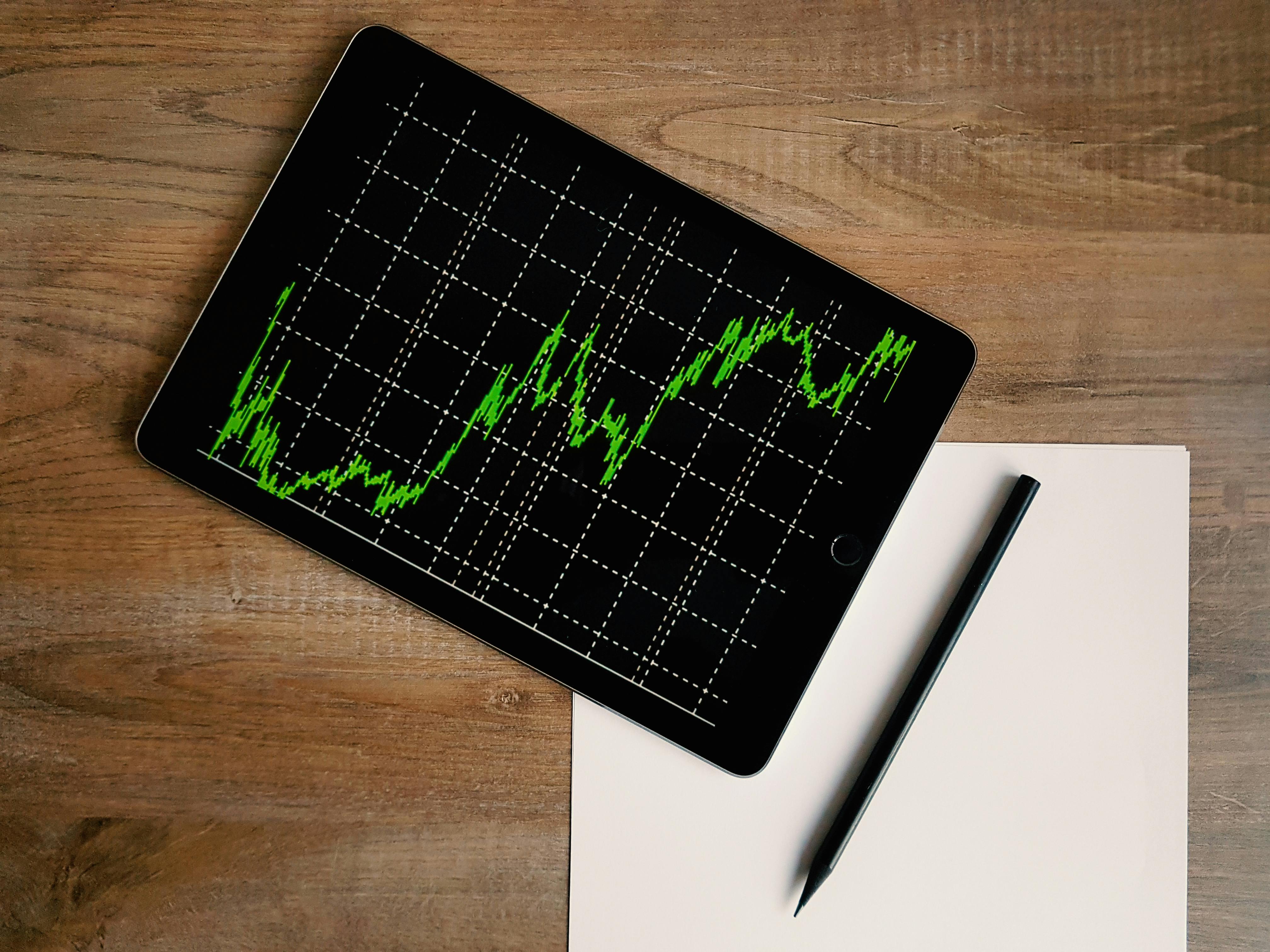
TL;DR
- Bar Replay rewinds any TradingView chart so you can practice trades as price unfolds bar by bar, on any market and any timeframe.
- It is the cheapest way to compress months of market reps into a single sitting, since you can run 50 setups in an evening.
- Three structured exercises beat random clicking: a gap fade drill, a breakout retest drill, and a support bounce drill. Use each on a fresh date so you cannot remember the outcome.
- The blind spot is feedback. You grade your own decisions, so confirmation bias creeps in fast.
- Pair Bar Replay with a neutral grader to close the feedback loop and keep practice honest.
What TradingView Bar Replay actually is
Bar Replay is a built-in TradingView feature that lets you scroll any chart back to a chosen date and play it forward one bar at a time. You see only the bars up to your current playback point. The rest of the chart is hidden. That means you can mark up a trade idea and click forward to see what would have happened, without peeking at the right edge.
The tool is included free on every TradingView account, but the free tier limits which timeframes you can replay on certain markets. The paid plans unlock intraday replay on stocks and futures. According to TradingView's own Bar Replay help doc, the feature works on any symbol with available historical data. That includes crypto and forex through to most US equities and global index symbols.
The point of the tool is simple. You get reps. A live market gives a beginner maybe two or three real setups in a session. Bar Replay can deliver fifty in the same time, on dates the trader has never seen.
Setting up Bar Replay in five clicks
The setup takes under a minute once you know where to look.
- Open any chart in TradingView.
- Click the small clock icon in the top toolbar labeled "Bar Replay."
- A vertical dotted line appears on the chart. Drag it to the date you want to start from, then click "Jump To."
- Use the play and pause buttons at the bottom of the screen, plus the step-forward control that moves the chart by one bar. Step-forward moves the chart by one bar at the current timeframe.
- To reset, click the clock icon again and pick a new date. The chart returns to a clean state.
A few practical tips that matter on day one. Always pick a date you have no memory of, otherwise outcome bias contaminates the practice. Hide the volume profile and any indicators that show forward-looking data. Use the drawing tools to mark your entry. Add the stop level. Add the target. Lock the plan in before pressing step-forward, so the decision exists on the chart before the next bar prints.
Three structured exercises that beat random clicking
Random Bar Replay clicking is entertaining and almost useless. Without a defined setup, you will end up trading whatever looks promising in the moment, which teaches nothing repeatable. The fix is to run focused drills, one setup at a time.
Exercise 1: The gap fade drill
Goal: practice judging whether an opening gap is likely to fill on the day.
- Pick a high-volume stock such as SPY, QQQ, AAPL, or TSLA.
- Set the timeframe to 5-minute.
- Jump to a random date from the last two years.
- If the open shows a gap of more than 0.5%, mark the prior day's close.
- Decide before stepping forward: do you fade the gap back to the prior close, or do you stand aside? Note your stop and target.
- Step forward to the close of the day. Log whether the gap filled and whether your hypothetical trade would have hit the target or the stop.
Run twenty of these in a row. Track the percentage where your fade thesis would have worked. Most beginners discover the answer is closer to coin-flip than they expected.
Exercise 2: The breakout retest drill
Goal: practice timing entries on a breakout that pulls back to the prior resistance level.
- Use a daily chart on a liquid name.
- Jump back six to twelve months and look for a clean horizontal resistance level with at least two prior touches.
- Step forward one bar at a time. When the price breaks the level, do not chase. Wait for the pullback.
- If the price retests the broken level and shows a rejection candle, enter long with a stop below the candle's low. Target a measured move equal to the prior range.
- Step forward until the trade hits the target, the stop, or twenty bars elapse. Log the outcome.
This drill teaches patience. Most failed breakout trades come from chasing the first bar, not from picking the wrong level.
Exercise 3: The support bounce drill
Goal: practice distinguishing a real support level from a level that is about to fail.
- Pick a stock in a clear uptrend on the daily chart.
- Rewind to a pullback into a prior support area or rising 20-day moving average.
- Step forward bar by bar. Note the candle shape at the support touch. Was it a long lower wick? A doji? A clean engulfing candle?
- Decide whether to take a bounce trade with a stop just below support. Log your reasoning before stepping forward.
- Step forward and see whether the bounce held. Compare your reasoning against the result.
Twenty reps of this drill build a fast intuition for what a real support hold looks like versus a slow grind into a breakdown.
How Bar Replay compares to other practice modes
Bar Replay is one tool in a larger practice stack. The table below shows how it sits next to paper trading and graded chart practice, so you can choose the right tool for the gap you are trying to close.
| Mode | Cost | Realism | Feedback quality | Reps per hour |
|---|---|---|---|---|
| TradingView Bar Replay | Free tier exists | Medium | Self-graded only | 20-50 |
| Paper trading (Webull, ToS) | Free | High (live data) | P/L only | 2-5 |
| Graded chart practice (ChartDojo) | Free trial then paid | Medium | AI-graded decision | 10-20 |
| Live micro-size trading | Real capital | Highest | P/L only | 1-3 |
Bar Replay wins on rep volume. Paper trading wins on realism. Graded chart practice wins on feedback quality. Live wins on emotional realism. Most beginners need all four at different stages.
The blind spot most Bar Replay users hit
The biggest problem with Bar Replay is invisible at first. You are the trader. You are also the judge of your own decision and the historian who records the outcome. The same brain that takes the trade also decides whether the decision was good. That setup rewards confirmation bias by design.
A common pattern: a user takes a setup. The trade wins. They file it as a sound decision. Two weeks later, the same logic produces a loss on a live chart and the trader is surprised. The win on Bar Replay was a lucky outcome on a bad decision, but there was no second opinion to flag the flaw.
The investor-protection literature reinforces this. FINRA's investor education on day trading repeatedly notes that solo self-review is one of the weakest forms of feedback because the trader cannot grade what they cannot see. Investopedia's primer on paper trading makes the same point about simulated practice: outcome data is not the same as decision-quality feedback, and many traders confuse the two.
Two ways to harden Bar Replay against this bias:
- Write your plan in full before pressing step-forward. Include the setup name. Write the entry trigger. Note the stop level. Spell out the target. If you cannot articulate it, you do not have a trade.
- Get a second set of eyes on the decision before you see the outcome. A trading buddy works. A neutral grading tool works better, because it is consistent and does not get tired.
FAQ
Is TradingView Bar Replay free?
Yes, the basic version is free on every TradingView account. Free users can replay on daily and higher timeframes for most symbols. Intraday replay on stocks and futures requires a paid plan.
Does Bar Replay work on crypto and forex?
Yes. Crypto and forex symbols typically have intraday replay available on the free tier as well, since they trade around the clock and the data coverage is broader.
How is Bar Replay different from backtesting?
Backtesting runs a coded strategy across a long history and produces statistics. Bar Replay is manual. You play the chart forward and make discretionary decisions like you would live. For a beginner, the manual reps build pattern recognition faster than a backtest output table.
Can I use Bar Replay as a substitute for paper trading?
Not fully. Bar Replay misses live data feeds, real spreads, slippage, and the emotional friction of waiting through a session. It is excellent for setup recognition and decision drills. It is not a replacement for the friction of trading in real time. See our practice guide for how to stack the two.
How many Bar Replay reps until I see improvement?
Most traders notice setup recognition improve after 100 to 200 focused reps on a single setup type. Random clicking does not count. Structured drills do.
Where ChartDojo fits
Bar Replay solves the rep-volume problem. It does not solve the feedback problem. ChartDojo plugs into the same workflow as a neutral grader for your decisions, sitting between paper trading and live capital.
The way the two pair up in practice: use Bar Replay to find a setup on a fresh date. Mark your entry. Set a stop level. Note a target. Then take the same setup to ChartDojo for AI-powered feedback on whether the entry made sense at that price, whether the stop sat at a reasonable invalidation level, and whether the trade matched a recognised pattern. A new chart read every day, with feedback you did not give yourself.
Build real skills, not bad habits. If you want the wider comparison, our deep-dive on ChartDojo vs TradingView Bar Replay walks through the workflow side by side, including where Bar Replay clearly wins and where graded chart practice does. Start a free trial of ChartDojo to grade your next ten Bar Replay setups before you commit them to a live account.